Document Creator
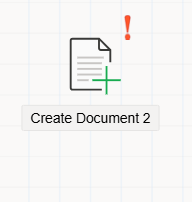
The Document Creator component is used to generate a new instance of a specified form and assign it to a Document object within the workflow.
Purpose
The Document Creator component creates an instance of the desired form and links it to the designated Document object in the flow.
This component can be connected to other workflow components using connection branches, allowing it to be fully integrated into the process.
How It Works
- When the workflow reaches the
Document Creatorcomponent:- The system automatically
generates a new form instancebased on the configuration of the associatedDocumentobject. - This form is then created in the system and ready for further actions in subsequent steps.
- The system automatically
- Once generated, the document can be processed by other components in the workflow, such as approvals, notifications, or additional automation steps.
Important note about using the Document Create component in old and new workflow templates.
Attention
The Document Create component was used in the old workflow template to generate the form defined in the associated Document object.
In the new workflow template, when a Document is added inside the Flow Start component, the form is automatically created once the process moves to the next step.
You can still use the Document Create component when branching the workflow to create the document at different points within the process.
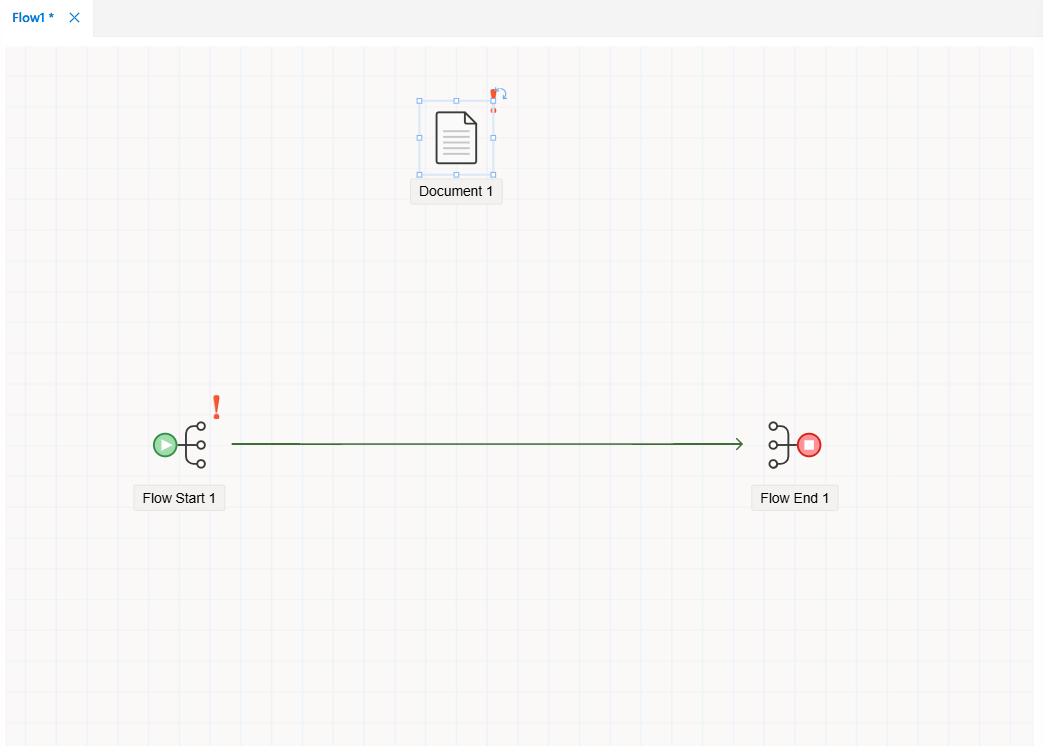
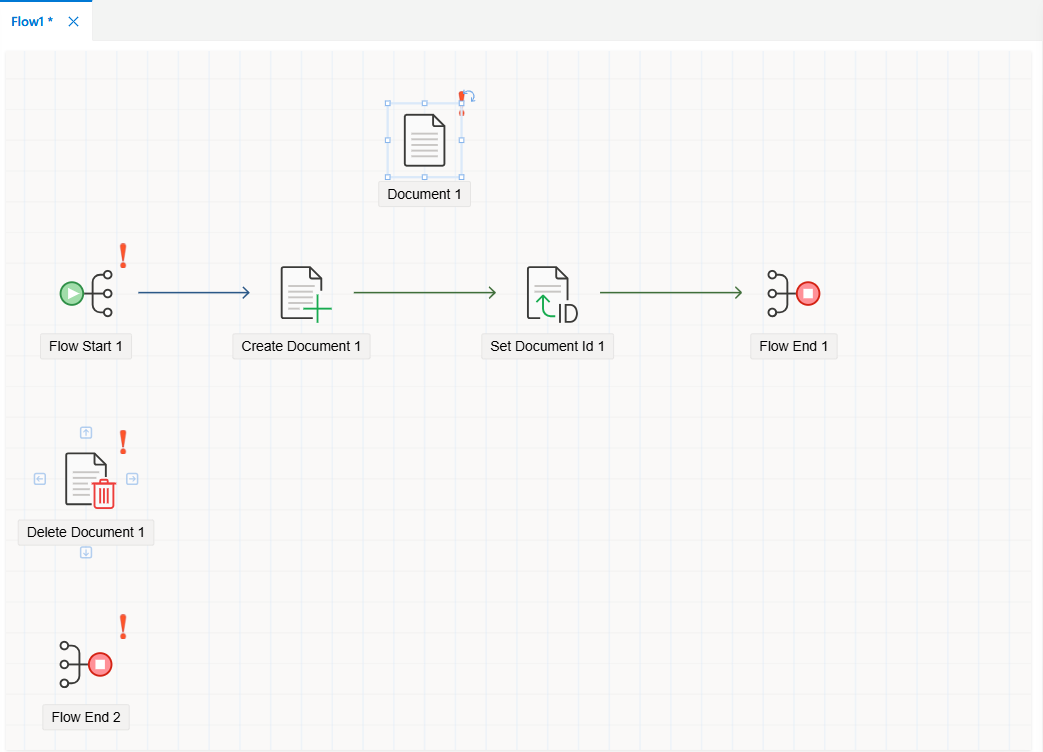
Explains the difference in document record creation behavior between the old and new workflow templates.
Document Record Creation Behavior
New Workflow Template
In the new workflow template, the document is not created until the process actually starts.
Therefore, no database record is generated before the workflow begins.
Old Workflow Template
In the old workflow template, when the document is initiated via the menu and passes through the Document Create component,
a database record is immediately created.
Document Create Prerequisites
For components such as Position, Position Group, and Information, which can include a Document object inside them,
the defined document must first be created using the Document Create component.
Otherwise, any workflow components linked to the uncreated Document object will not be able to display the document,
and the system will produce an error.
Adding the Document Create Component
- From the
Toolboxpanel, drag and drop theDocument Createcomponent onto the form. - When the
Document Createcomponent is selected, its properties are displayed in theProperties Viewerpanel.
Properties Viewer Tabs
When you select the Document Create component, the Properties Viewer panel displays the following tabs:
Appearance→ Defines visual settings for the component.Properties→ Lists configuration options for the document creation behavior.Events→ Allows you to manage event-based actions related to the component.